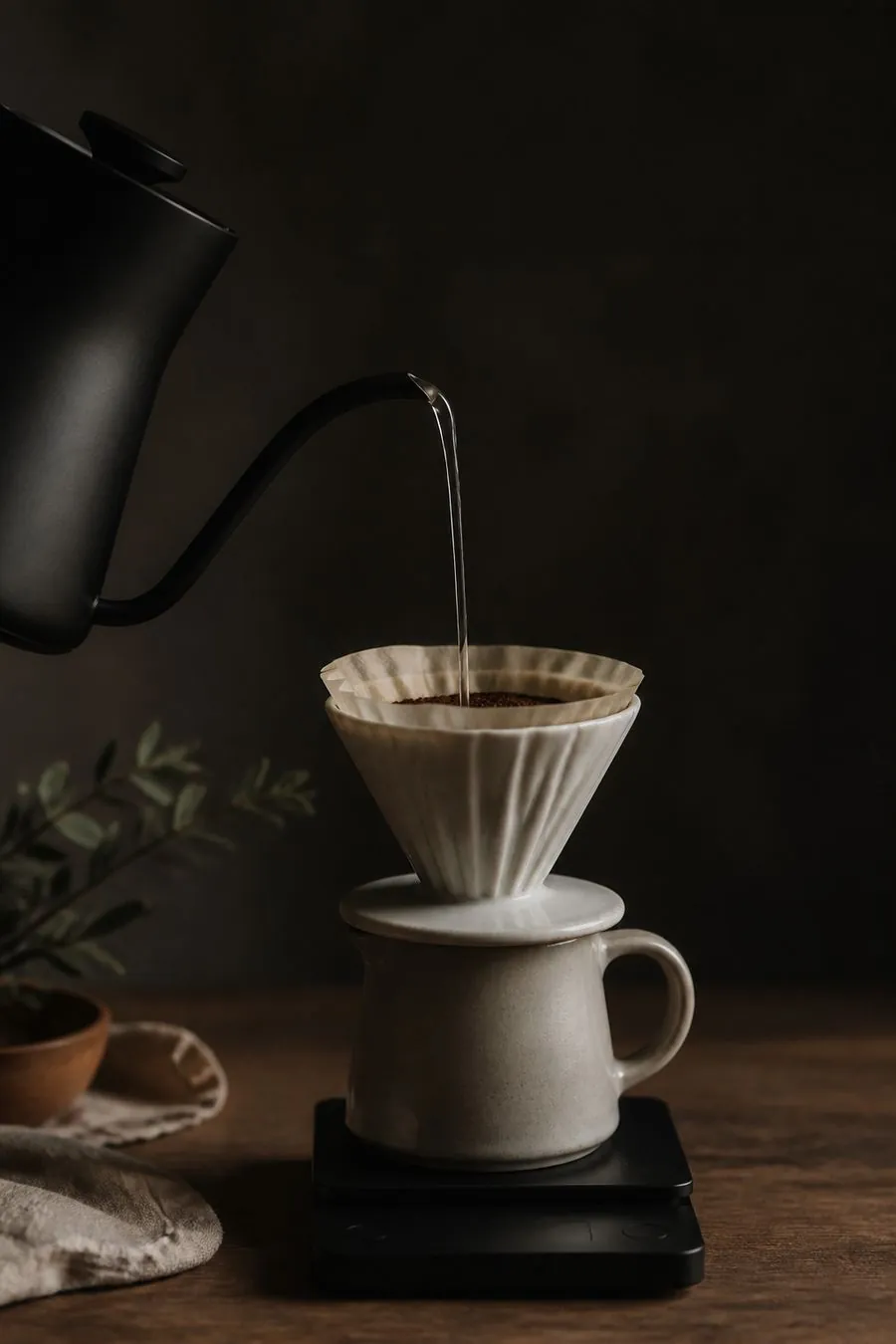
A V60 timer that talks you through every pour.
Press start and Pour calls out each step as it happens: the bloom, every pour with its target weight, and the drawdown. Your eyes stay on the kettle.
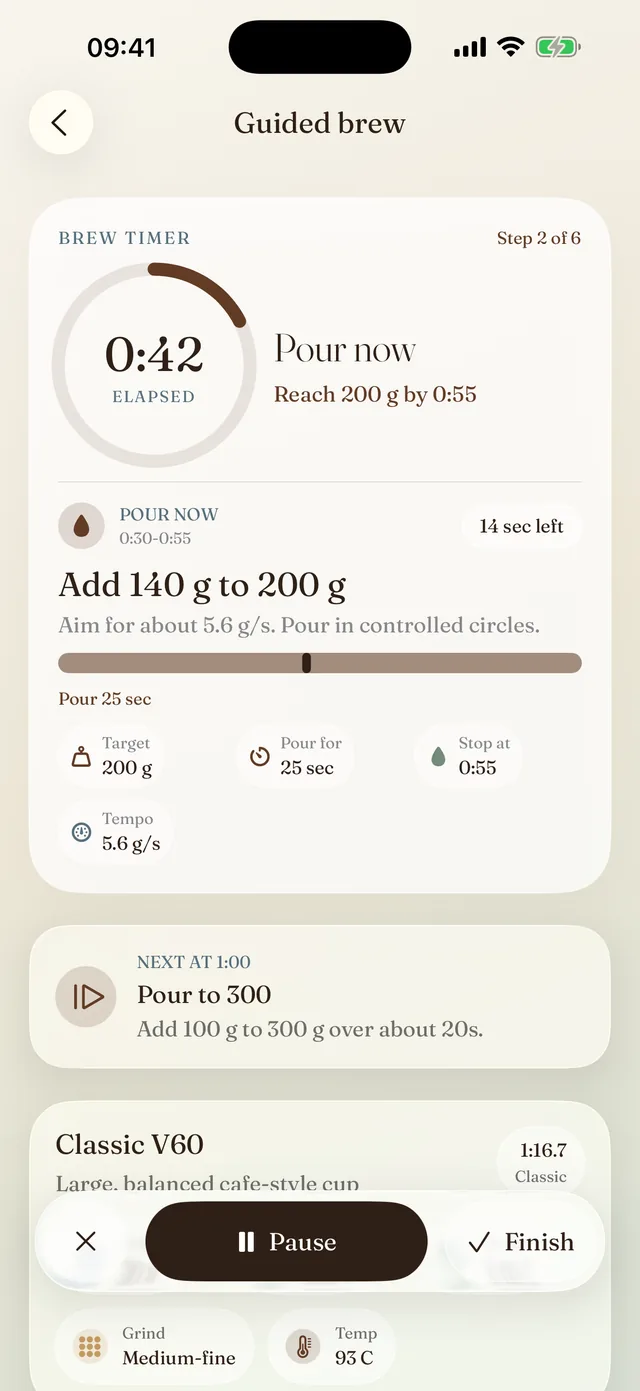
Pour says: “Pour in circles to 200 grams.”
Every step, said out loud.
This is the Classic V60 as Pour says it, from the bloom to the last drop. Choose a minimal voice, a normal one, or a coach that adds pour speed and technique.
Classic V60 · 30 g coffee · 500 g water · 1:16.7
The whole brew on one screen.
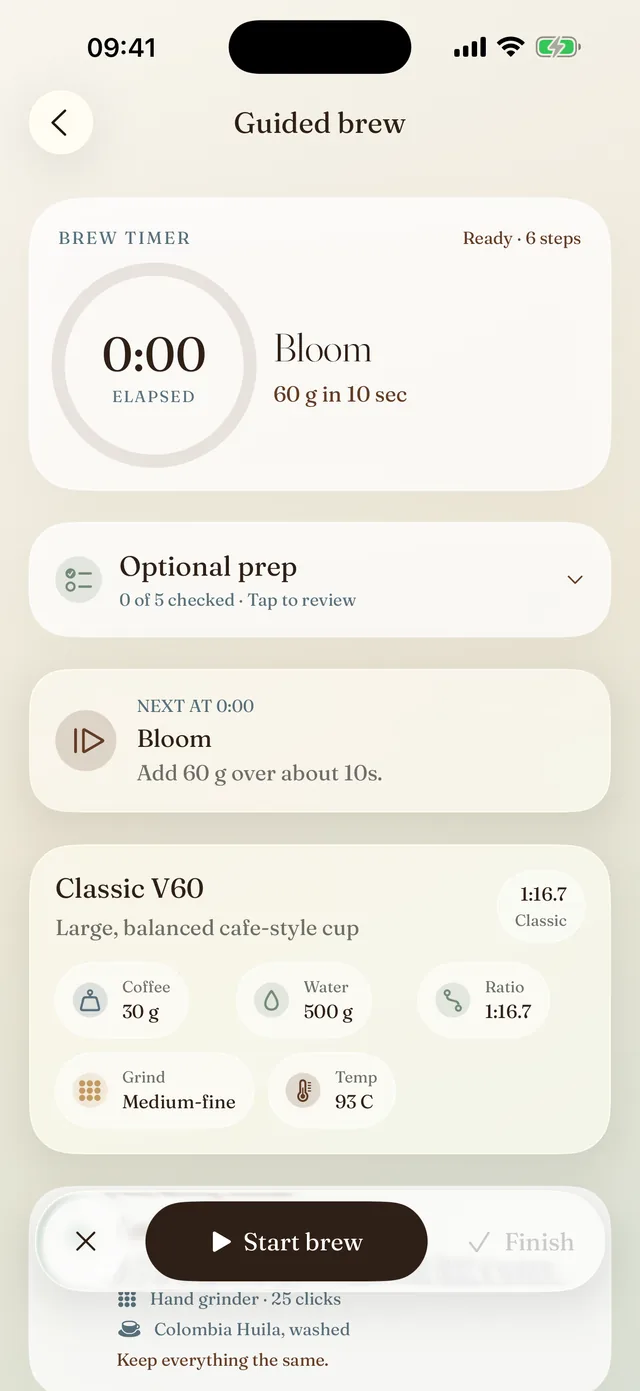
Before you start, Pour lays out the first pour, the recipe, and the grind and coffee from your last brew. Once you press start, it shows how much to add, when to stop and how fast to pour, and the screen stays awake until the coffee has drained.
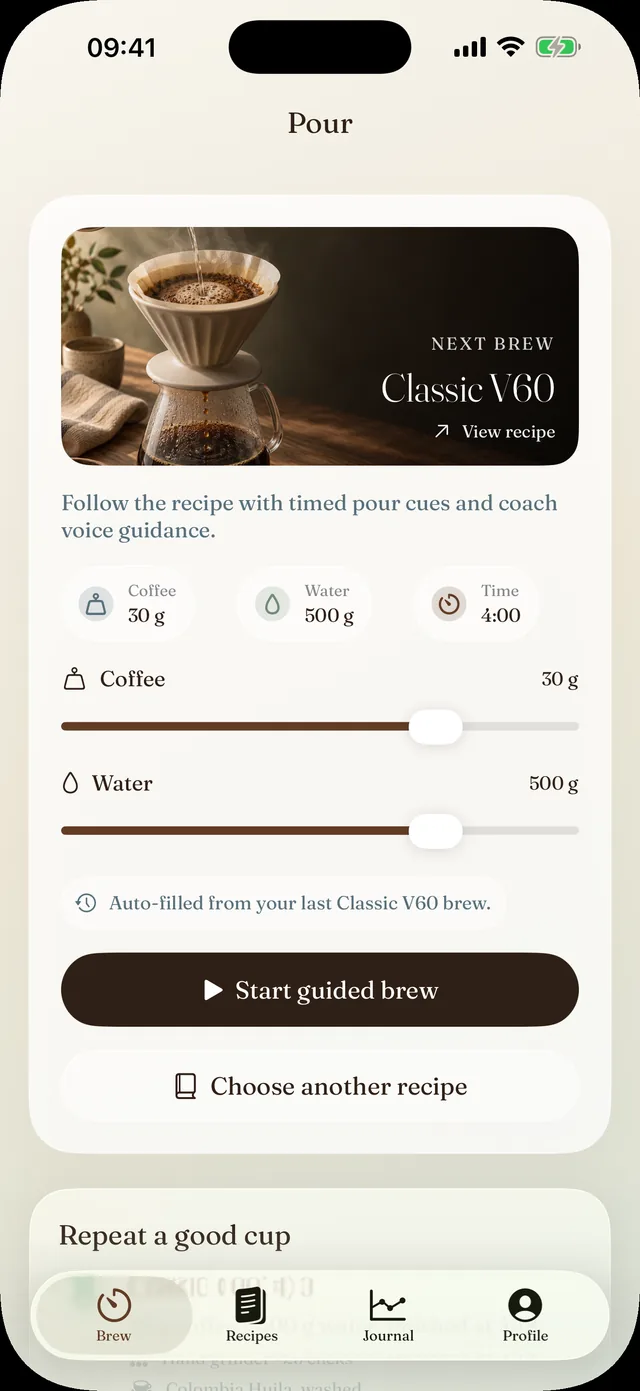
Any dose. Every pour follows.
Brewing for one, or for two? Change the coffee or the water and every pour target updates to keep the ratio. Pour remembers the dose you used last time.
Fifteen recipes to start from.
V60 recipes based on methods by James Hoffmann, Scott Rao, Tetsu Kasuya and Onyx Coffee Lab, Pour's own everyday recipes, and three for the Hario Switch.
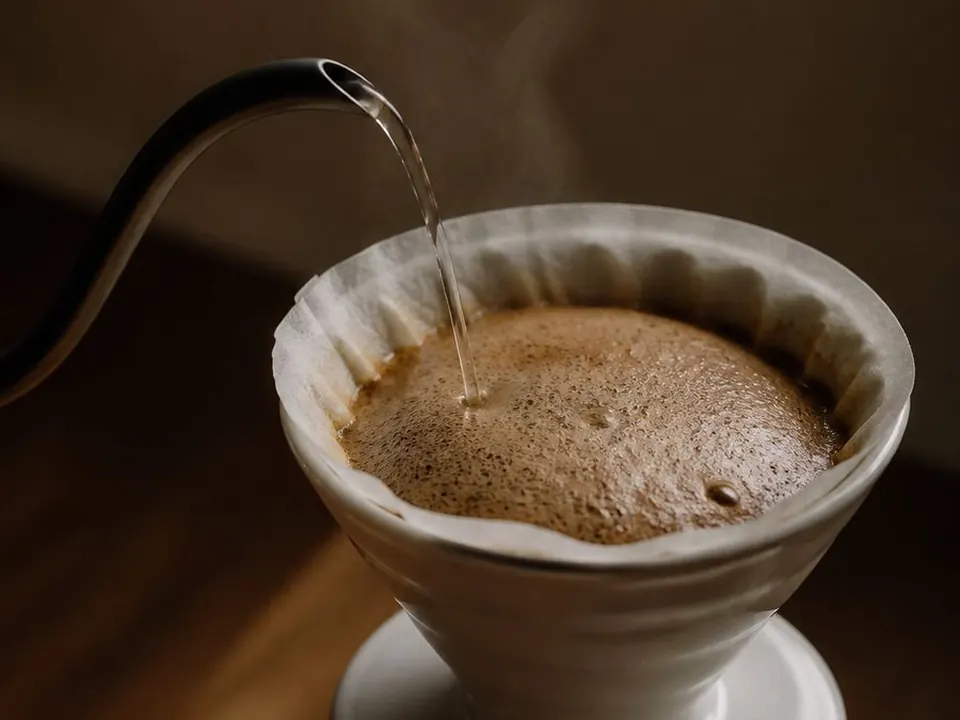
Hoffmann One-Cup V60
Clean 250 g single cup
- Coffee
- 15 g
- Water
- 250 g
- Time
- 3:00
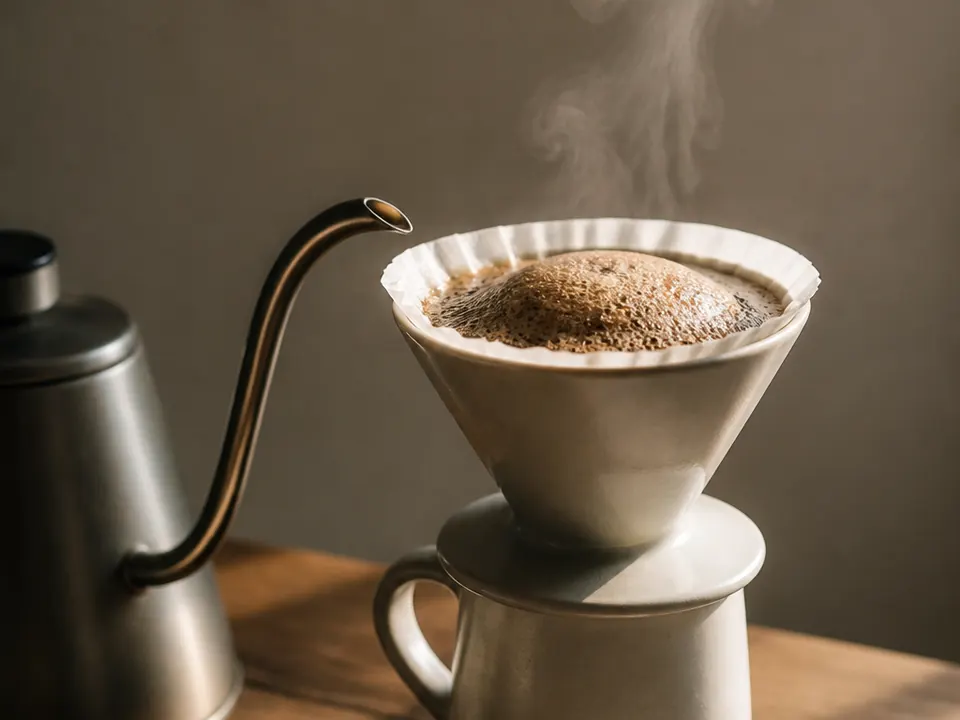
Pulse Pour 4:6
Coarse grind, bloom plus four pours
- Coffee
- 20 g
- Water
- 300 g
- Time
- 3:30

Tetsu Multi-Pour V60
Super-coarse 10 x 30 g pulses
- Coffee
- 20 g
- Water
- 300 g
- Time
- 3:30
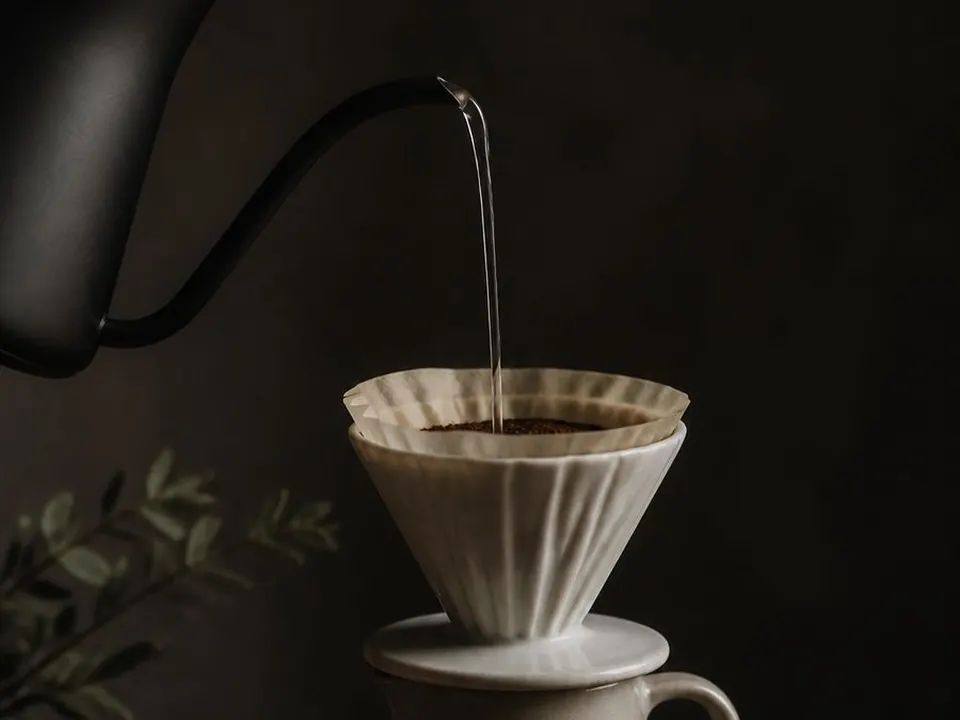
Onyx Three-Pour V60
Fast, sweet, competition-style
- Coffee
- 15 g
- Water
- 250 g
- Time
- 2:30
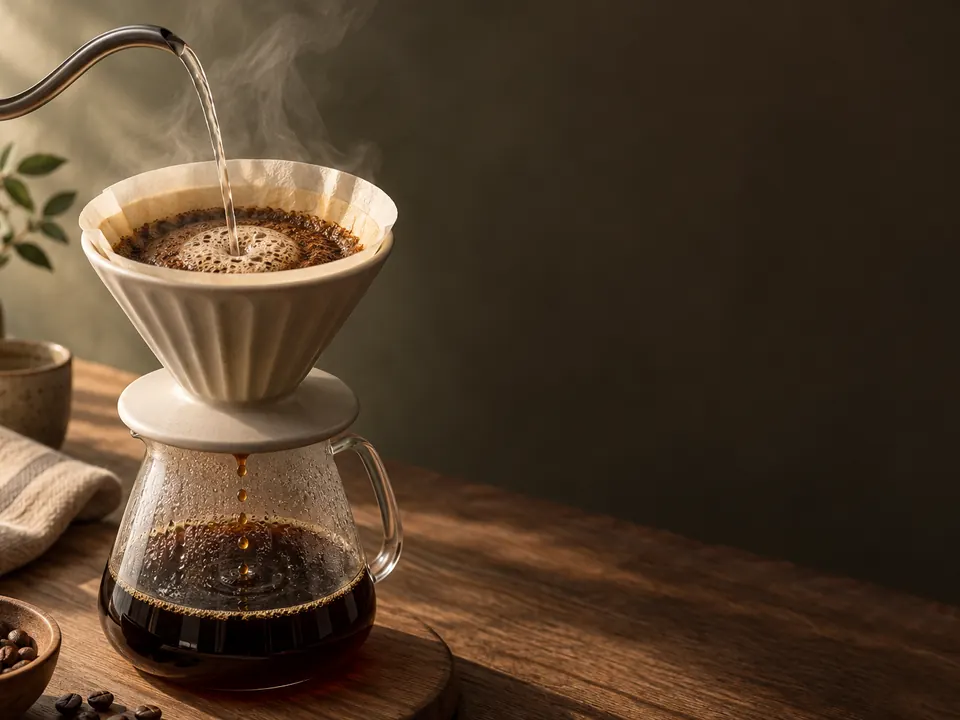
Classic V60
Large, balanced cafe-style cup
- Coffee
- 30 g
- Water
- 500 g
- Time
- 4:00
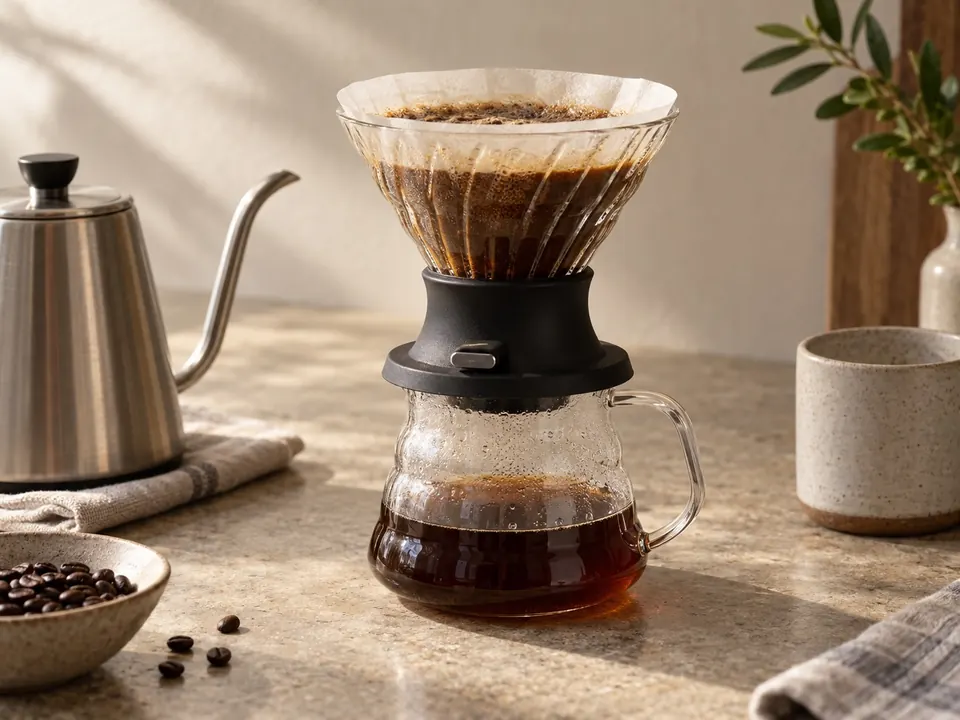
Hario Switch Immersion
Easy steep-and-release single cup
- Coffee
- 15 g
- Water
- 250 g
- Time
- 3:00
Taste it, name it, change one thing.
After the brew, note how it drained and how it tastes. Not sure what sour or bitter means? Tap any word for a plain explanation. Pour then suggests one change for your next cup.
Next cupGrind 1–2 clicks finer and repeat the same recipe.
Read the guide to sour and bitter coffee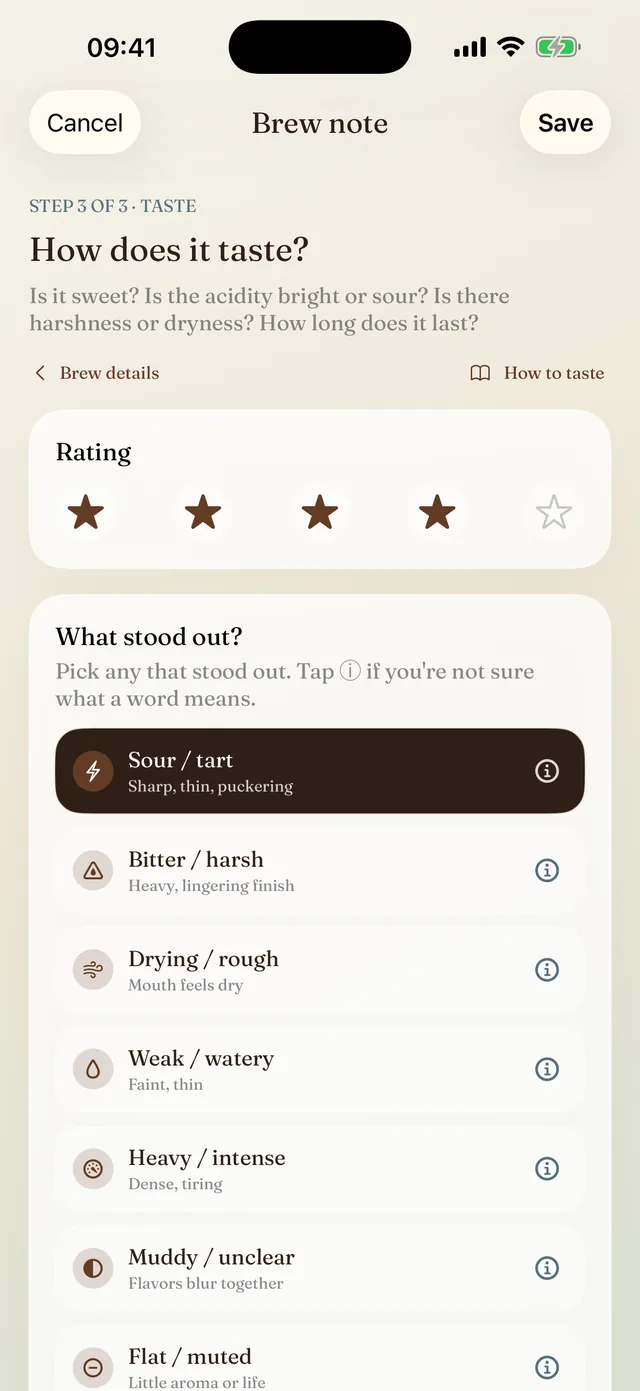
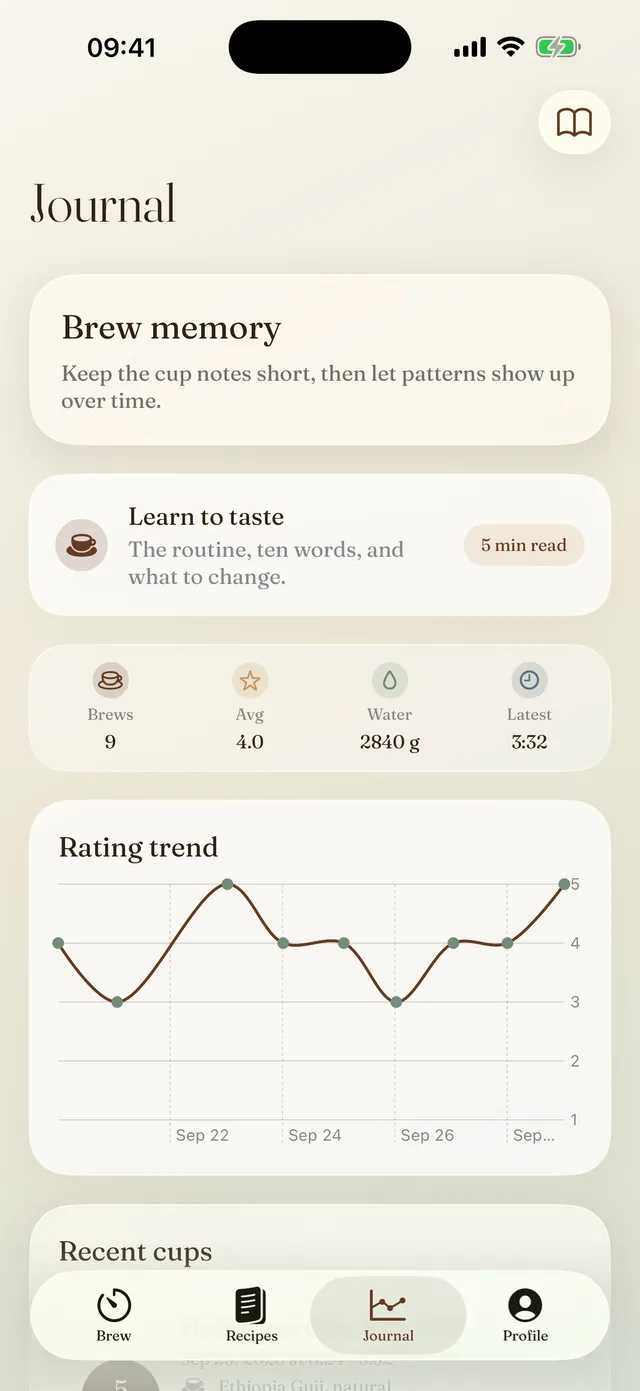
A journal that remembers every brew.
Every brew keeps its recipe, dose, time and rating, along with the coffee, grinder and grind setting. When a cup is good, you can make it again.
Questions
What does Pour do?
Pour is an iPhone timer for pour-over coffee. It guides a V60 or V60 Switch brew step by step, says each step out loud, scales recipes to your dose, and keeps a journal of your brews and tasting notes.
Which brewers does it work with?
The Hario V60 and the Hario V60 Switch. Other brewers, such as the Chemex, Kalita Wave or AeroPress, aren't supported.
Do I need a smart scale?
No. Any kitchen scale works. Pour shows the target weight for every pour and tells you when to move on. It doesn't connect to a scale.
Can I use my own recipes?
Yes. Build a V60 recipe step by step, and Pour times and voices it like the built-in recipes.
Does the voice need an internet connection?
No. Pour uses natural generated speech when it's available and falls back to the iPhone's built-in voice, so guided brewing still works offline.
Do I need an account?
No. You can subscribe and brew without one. Creating an account is optional.
How much does Pour cost?
Pour is free to download. Guided brewing, the recipes, scaling and the journal need Pour Pro, which is yearly with a 7-day free trial for new subscribers, or weekly. You can cancel anytime in your Apple ID settings.
Is Pour on Android?
No. Pour is made for iPhone and also runs on iPad.
Put the phone down and pour.
Pour calls each step, keeps the time, and remembers what worked.
Download on theApp StoreFree to download. Pour Pro is yearly with a 7-day free trial, or weekly.